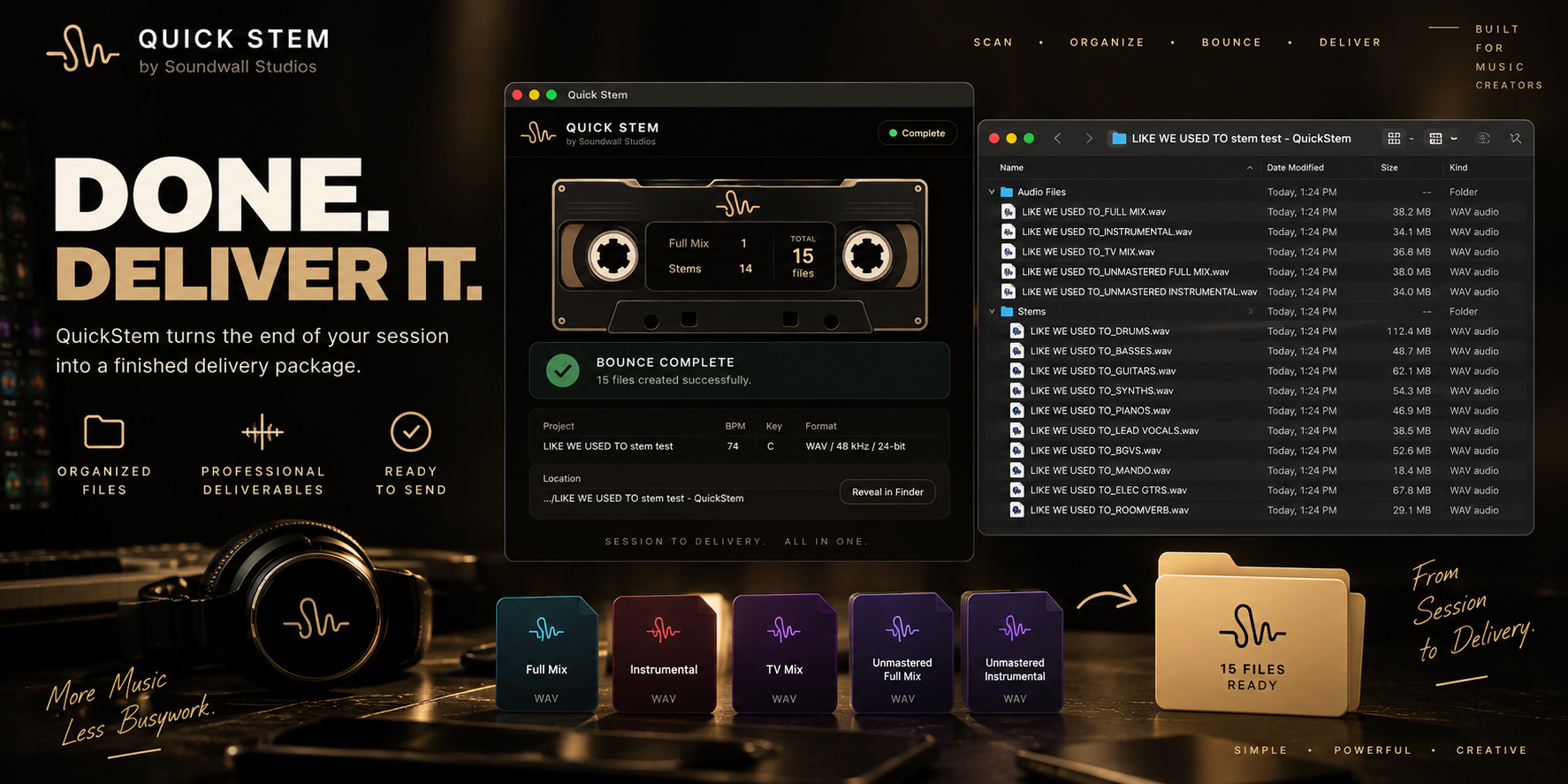
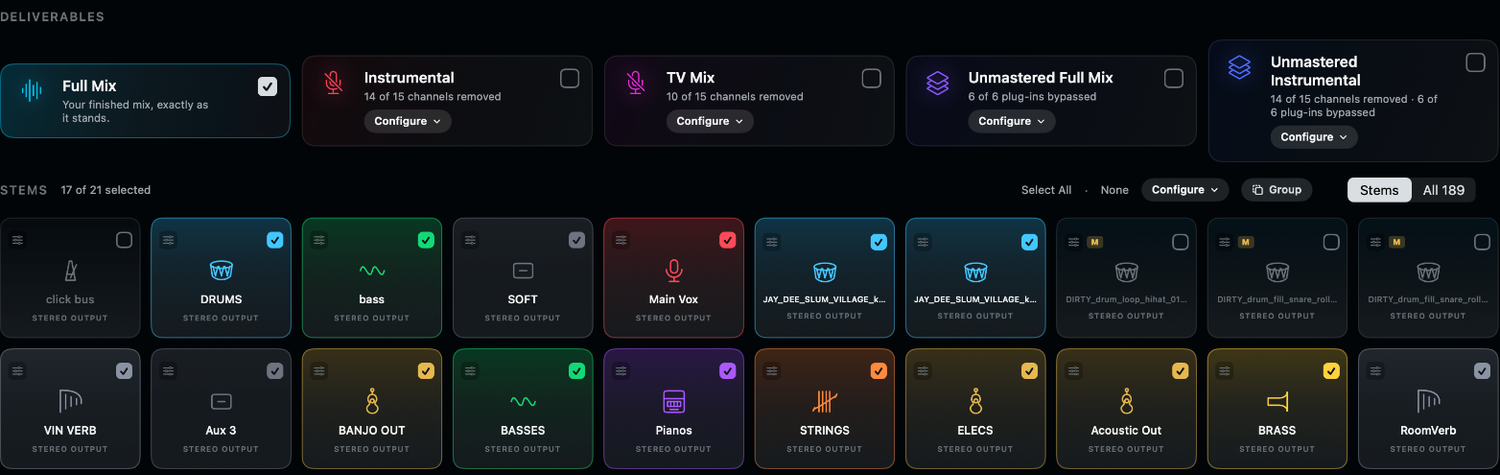
QuickStem workflow
QuickStem reads the work you’ve already done. Review the scan, choose your versions, and make the final call.
Smart Click + Cues
QuickStem creates a professional stereo click-and-cue deliverable.
It uses the song structure in your session to place spoken section cues where they belong.

Your
lyric sheet.
Done too.
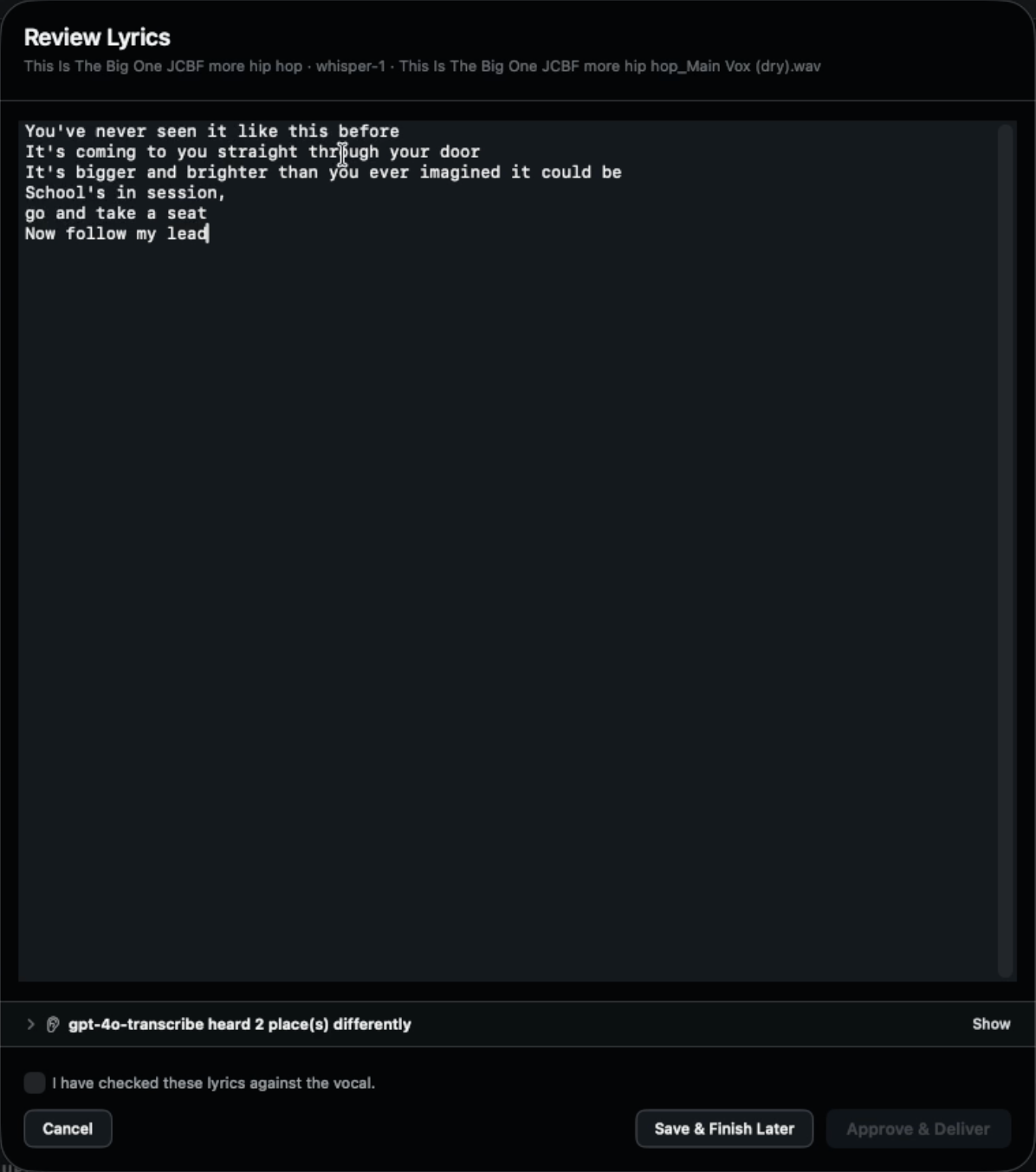
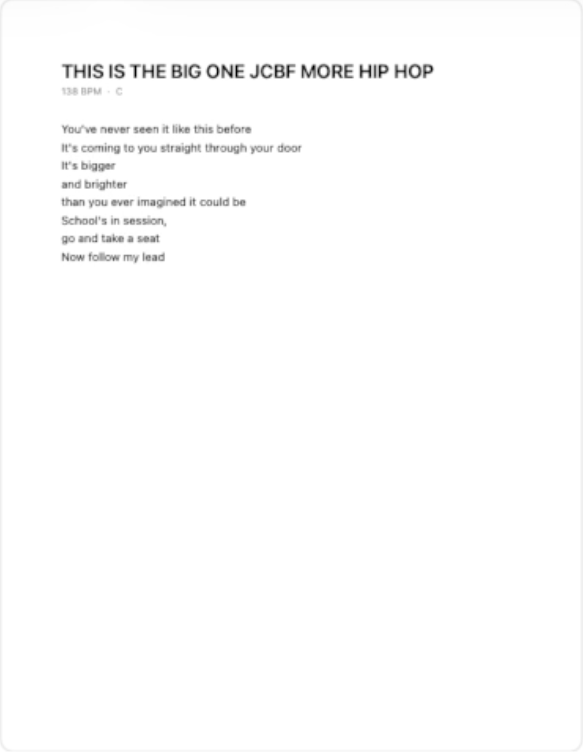
QuickStem uses your lead vocal to create a lyric sheet. Review and correct it before approval. The completed document joins the organized delivery.
Pay once for QuickStem. Lyric Transcription renews yearly. QuickStem Plus includes your first year free. After that it's $19/year, and you can cancel anytime. QuickStem itself is yours forever.
- 01GENERATE
- 02REVIEW
- 03DELIVER
One button. The whole delivery.
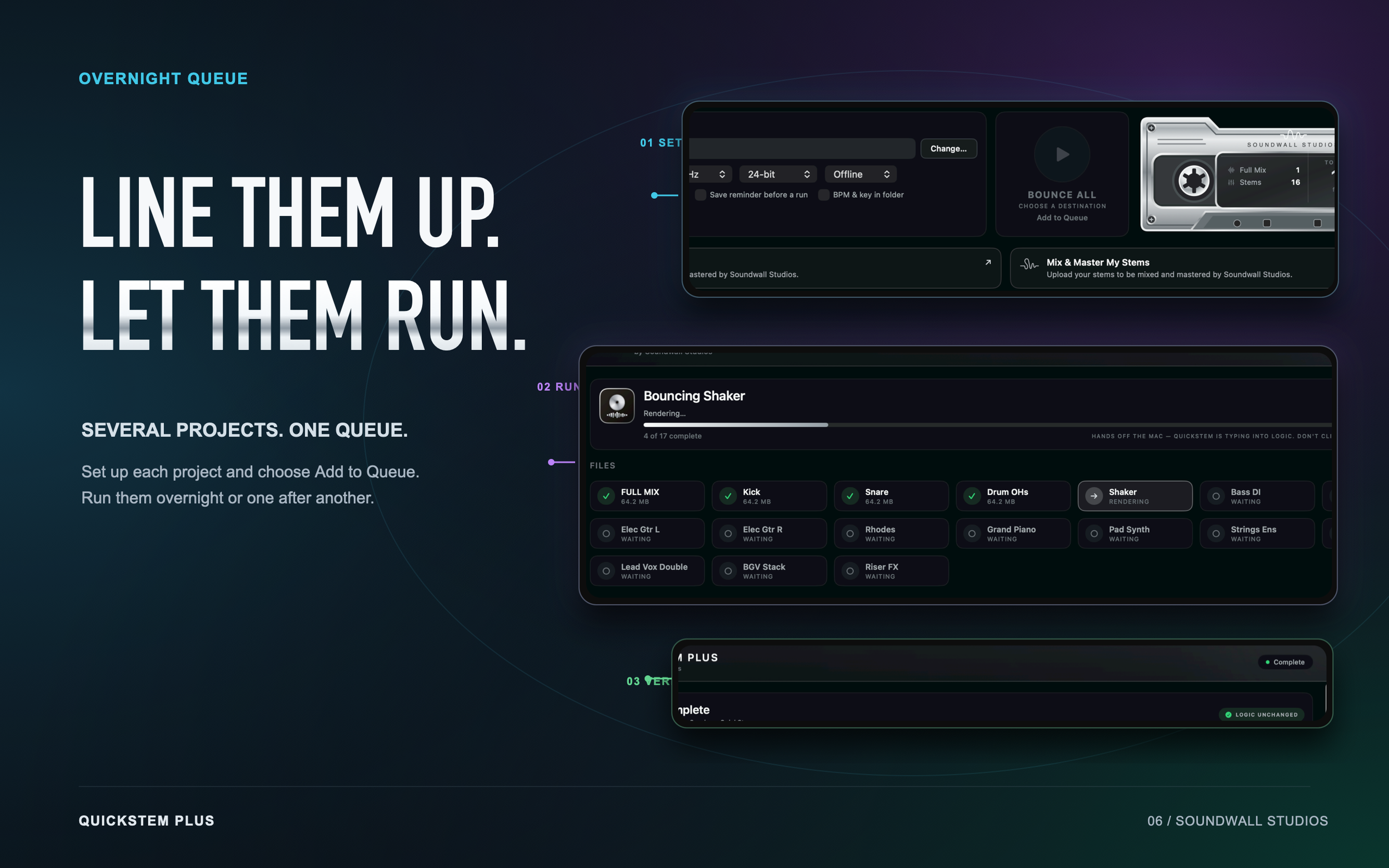
Review your choices. Hit Bounce All, or line up several projects and let the queue run overnight.
Don’t stop
at the bounce.
Keep the record moving. Take your finished mix into Soundwall mastering, or send your stems straight to the studio for a professional mix and master.
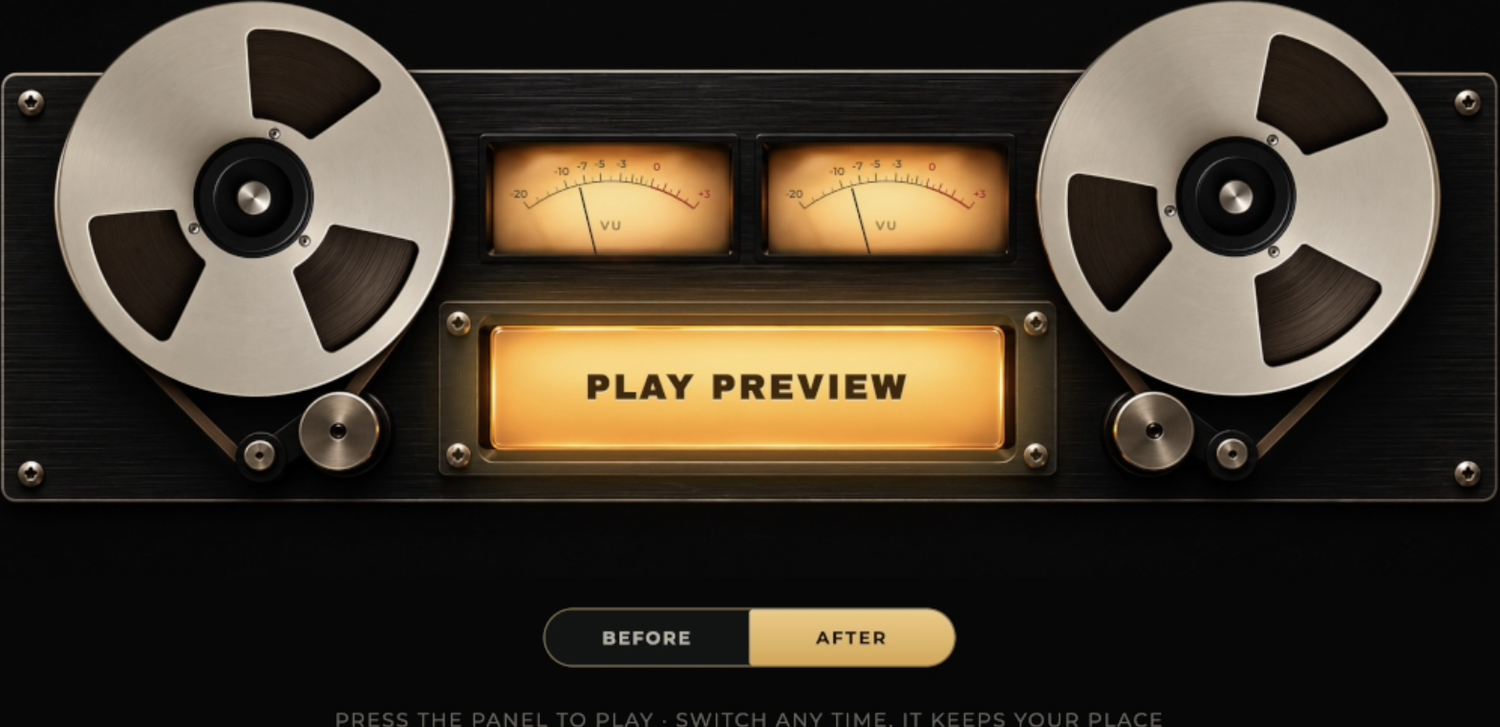
Master my mix.
Move from your finished mix to Soundwall mastering. Hear the preview. Compare before and after.

Mix & master my stems.
Send the stems you just bounced directly from QuickStem to Soundwall Studios for a professional mix and master.
The complete QuickStem walkthrough
The deep dive: every feature, start to finish. Grab a coffee.
More music.
Less busywork.
You finished the song. QuickStem finishes the delivery.
Requirements
- macOS 14 Sonoma or later
- Logic Pro 11 or later. Verified on Logic 12.
- Signed and notarized by Apple
- License covers two of your own Macs
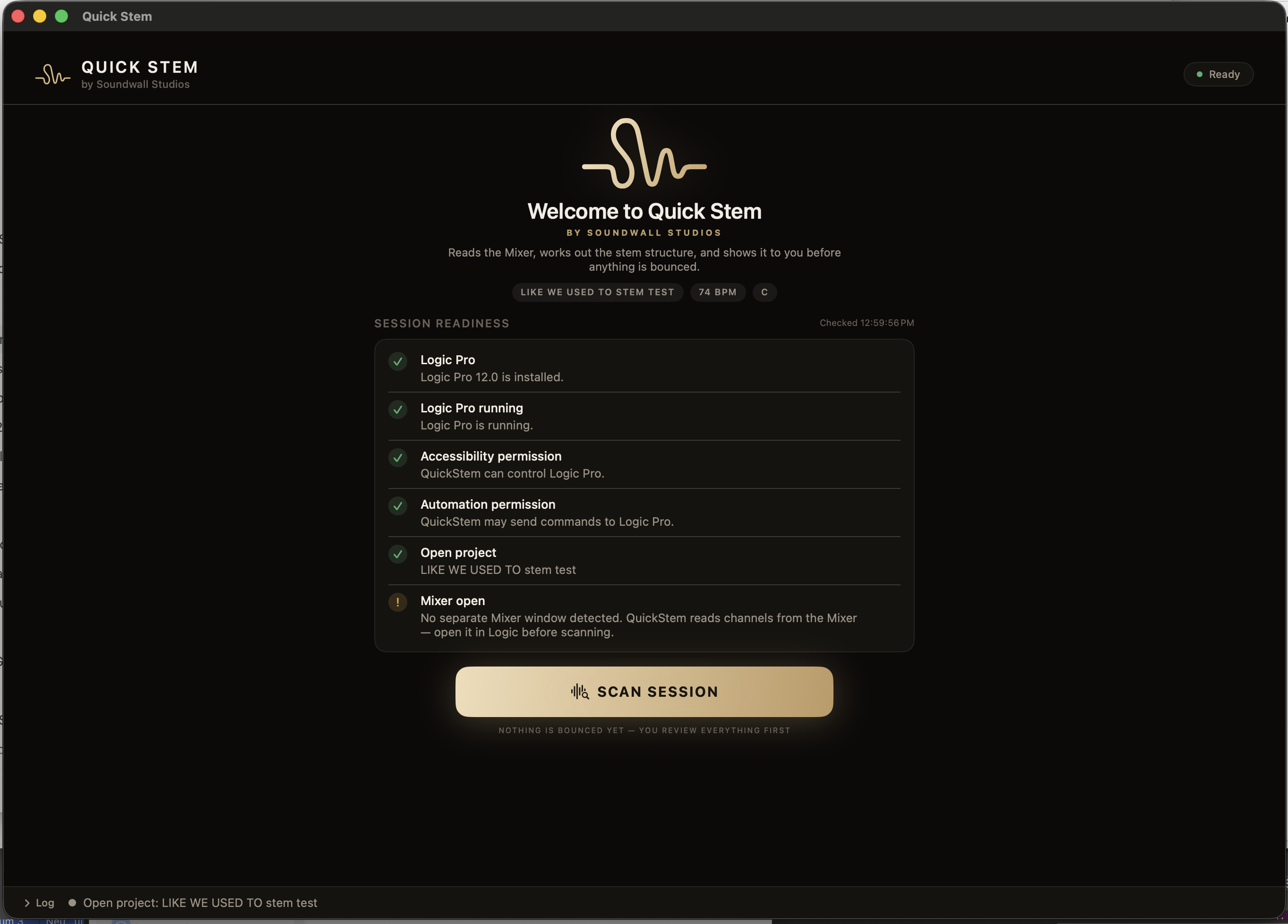
QuickStem requires Accessibility permission on first run because it drives your DAW. A guided first-launch tour points out every control. Open Help > Take the Tour any time.
DON’T STOP THERE.
PROFESSIONAL MASTERING
BY SOUNDWALL STUDIOS.
Upload directly from QuickStem or SoundwallStudios.com. We’ll take it from here.
1. Export from QuickStem → 2. Upload your files → 3. Soundwall mixes + masters → 4. Get your finished record
MASTER MY MIX
Professional Mastering
$50 / SONG
Already happy with your mix? Upload your unmastered stereo mix and have it professionally mastered by Soundwall Studios.
STEM MIX + MASTER
Full Mix & Master From Your Stems
$100–$250 / SONG
Want us to go deeper? Upload your unmastered QuickStem stems and we’ll balance, mix and master them into a finished record.
Finished by Soundwall Studios using the private mastering process developed by award-winning producer John Coggins.
Make the music.
QuickStem handles the stems.
Buy QuickStem Plus, $99macOS 14 or later · Logic Pro 11 or later · Apple silicon or Intel.
More music. Less busywork.